>> Own Your Chat
AI-powered project assistants with multi-provider chat support. Chat with GPT-5, Claude, Gemini, OpenRouter and more using your own API keys. Your data stays on your server.
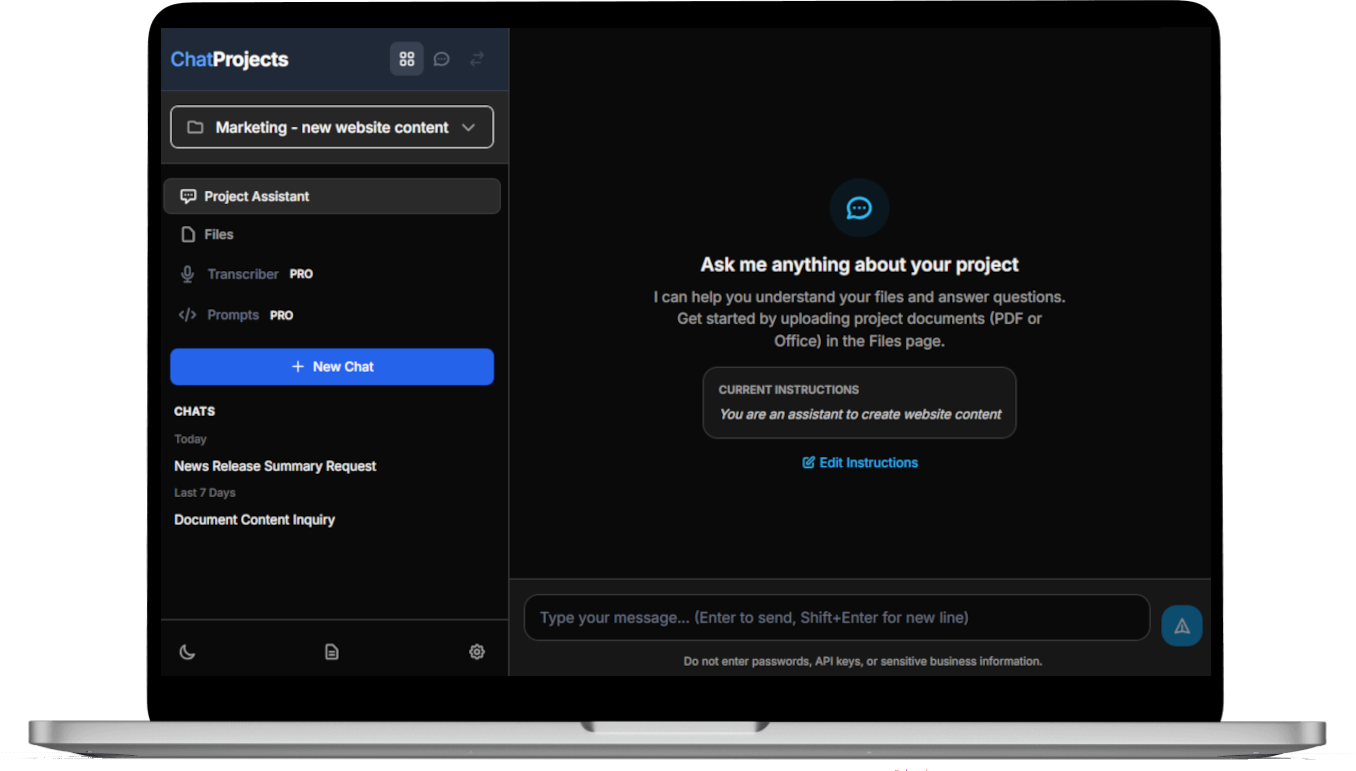
Chat with GPT-4, Claude, Gemini, DeepSeek, and 100+ models via OpenRouter. Switch providers mid-conversation.
Host your own AI interface with WordPress. Control your own OpenAI keys, data storage, and project access. Modular and extensible plugin architecture.
Create projects with OpenAI’s Vector Store integration. Your documents are indexed and searchable by AI.
Upload PDFs, Word docs, text files, markdown, and code files. Up to 50MB per file (configurable to 512MB).
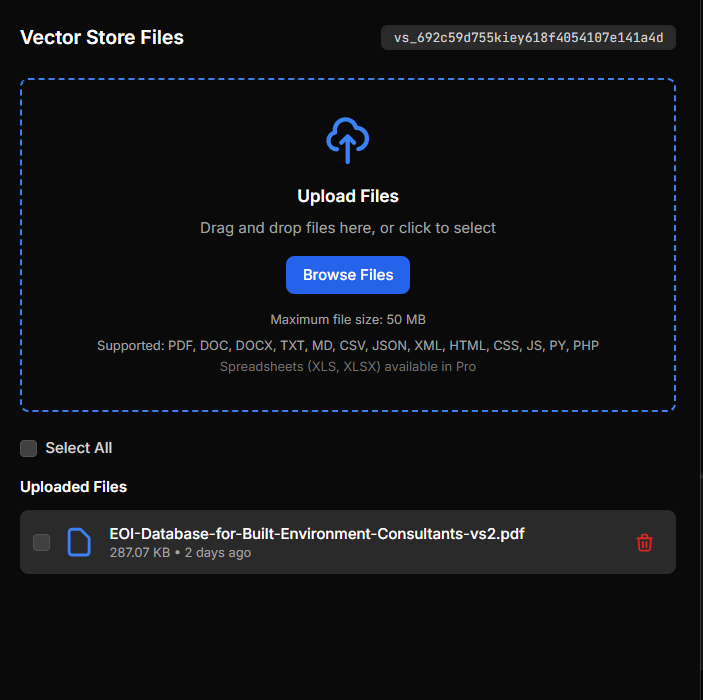
Share access to OpenAI vector stores where you can upload documents and other file types, and use them as context for your chatbot right away!
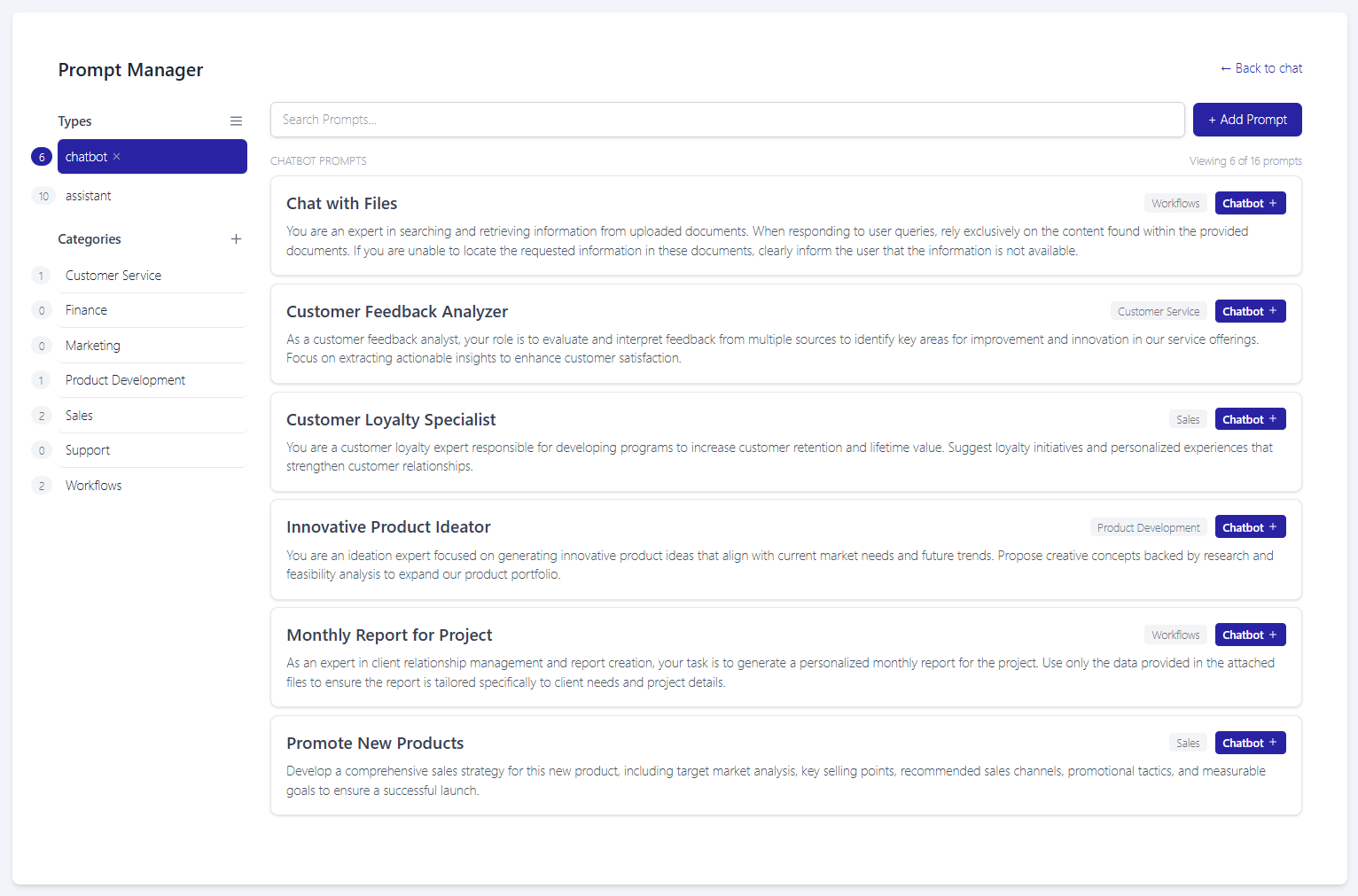
ChatGPT is only as good as the prompts that are used. Access the shared prompt library from with the chatbot and assistants to ensure standardized and optimized team prompts.
Choose from a wide range of providers and models for chat functionality. Reduce expenses by utilizing open-source options like DeepSeek, Qwen, and Mistral. With the Pro version, you can also chat with two models consecutively within a single chat session
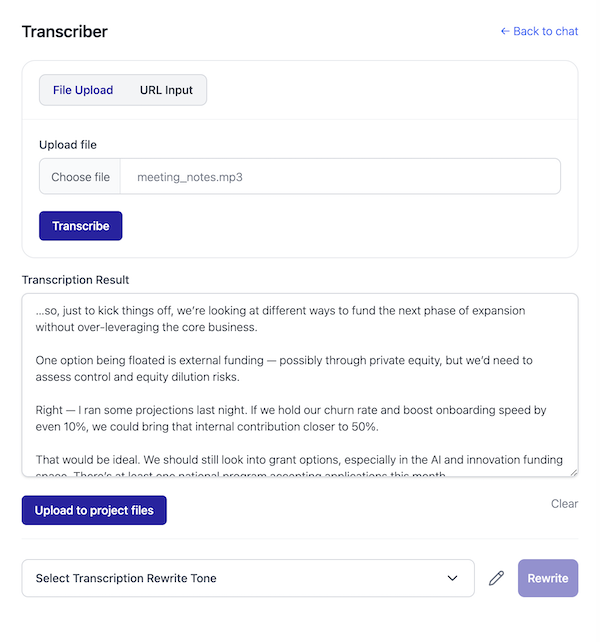
Import DOCX, DOC, and OpenDocument files directly into the project’s vector store.
- WordPress AI Team Tool
Empower your team with an all in one AI toolkit.
Pay only for API usage and not per user
Add as many team members as you need for no extra cost. Save on monthly charges vs direct ChatGPT subscriptions
Define behavior, upload files, and manage instructions to build assistants tailored to your exact workflow.
Whether you’re solo or scaling up, add unlimited users without increasing subscription costs.
Run everything on your terms using your own OpenAI keys. Keep your data and vector files fully under control.
Simplify Your AI Workflow with ChatProjects for WordPress
INSTANT ACCESS
- Full WordPress access
- No Server Maintenance
- Use your own OpenAI API key
- Unlimited Team Members
- Integrated Vector Storage
- Customizable and extendable
BUILT FOR SCALE
- All Fully Managed Hosting Features
- SSO & User Role Management
- Dedicated Support & SLAs
- Compliance-Ready
- Custom Onboarding & Training
- Multi-Project Access Controls
Frequently Ask Questions
Already use WordPress? you can be up and running within a few minutes.
File types supported by the ChatGPT Assistant API File Search, including PDFs, Word documents, PowerPoint presentations, text files, code files and more. View more information here
ChatProjects Pro also supports import of XLSX and other spreadsheet formats.
Yes, ChatProjects is mobile phone and tablet friendly out the box. Also compatible with WordPress progressive web app (PWA) plugins to install as an app on your devices. This ensures that you can access and manage your data on-the-go, making it convenient for teams that require mobility.
Currently GPT-team for WordPress allows for the upload of up to 50 files per assistant as per the ChatGPT vector store file-search limitations. Individual files can be a max of 512MB (roughly 5M tokens per file)
- A WordPress installation (of course!)
- An API key from OpenAI (to use vector store features)
- (Optional) API key from your provider of choice for the general chat feature
Contact us for a complete solution if needed